
My runDisney Photo Tips
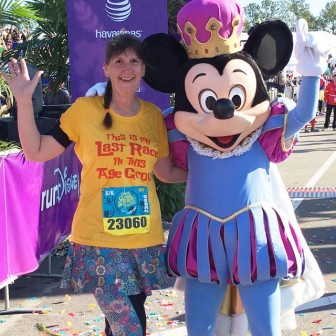
Part of running a runDisney race is enjoying the entertainment on course, including characters, live and recorded music, elaborate photo ops, and more. I love this part of Disney runs so I often stop as often as possible, meeting all the characters and taking all the photos.
Here are some of my tips for capturing photos while on the run.
1. Before the race, clean up your phone if memory or storage could be an issue! This might mean deleting old photos, removing unused apps or disabling memory hogs. This will also keep your phone running smoothly in case you're using it for other stuff during the race, like listening to music, runner tracking, and even texting or recording live video. Get your phone in its best shape for the tasks at hand.
2. Practice taking selfies. Get good at holding your phone in one hand and snapping selfies or regular photos while you're on the move. There might not always be someone to help you take a photo with a character or maybe you don't have time for a posed photo. When a selfie will have to do, you want to be ready. Selfies are fun by mile markers, too.
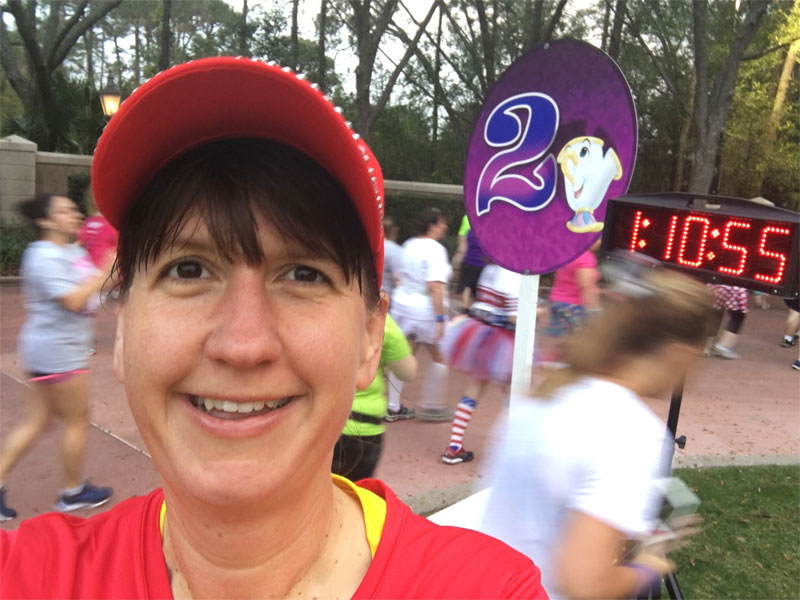
3. Learn how to use your phone's camera. Check out features like burst, live photos, voice control, timer, and anything else that might come in handy on race day.
I try to ask Cast Members to use the burst feature or at least to take multiple photos when they are available at character stops.
4. It's also a good idea to practice getting your phone out and putting it back wherever you're carrying it while on the move. You might want to grab your phone to take a quick photo and you don't want to be fumbling around or risk dropping it.
5. Be aware that most PhotoPass photographers on the course are going to be in the parks, not on the long boring highway miles. Check out the course map before the race and note where the theme park restrooms are. These are a great spot to freshen up before passing the green PhotoPass tents, if you're looking to get some great race photos.
6. Make sure your bib is showing for PhotoPass photographers! That's the only way you'll be able to retrieve your photos after the race.
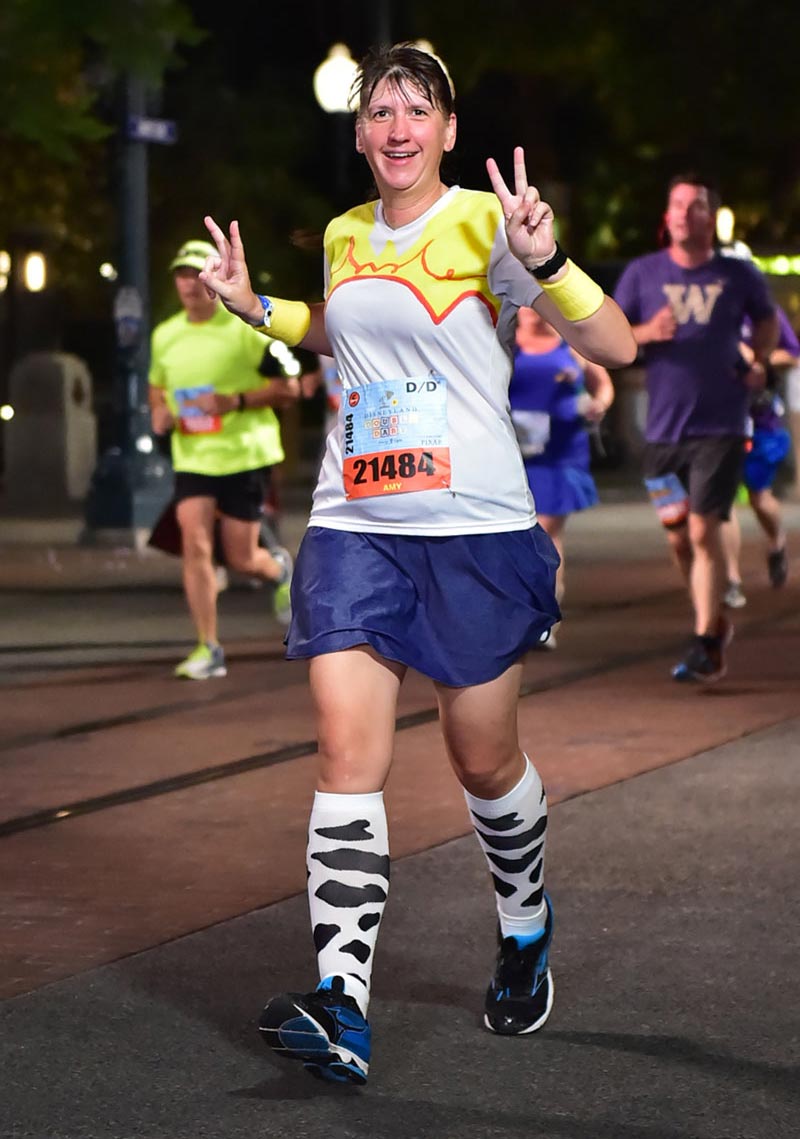
These are just some of my random tips for enjoying the scenic part of a runDisney race. Here are some other awesome photo tips from other blogs.
Joyful Miles has a ton of tips: How to get Great Character and Race Photos
Magical Miles: Tips for Character Photos During a runDisney Race
Disney Parks Blog: Tips for Using Disney PhotoPass Service


Comments
Be the first to comment
Thank you!